snps explained
GRCh37 vs GRCh38: Comparing Locations in Raw DNA Data
Learn why DNA coordinates differ between GRCh37 and GRCh38, how to check a raw file's build, and when a position mismatch needs technical review.
GenoSight Team · September 13, 2026 · 5 min read
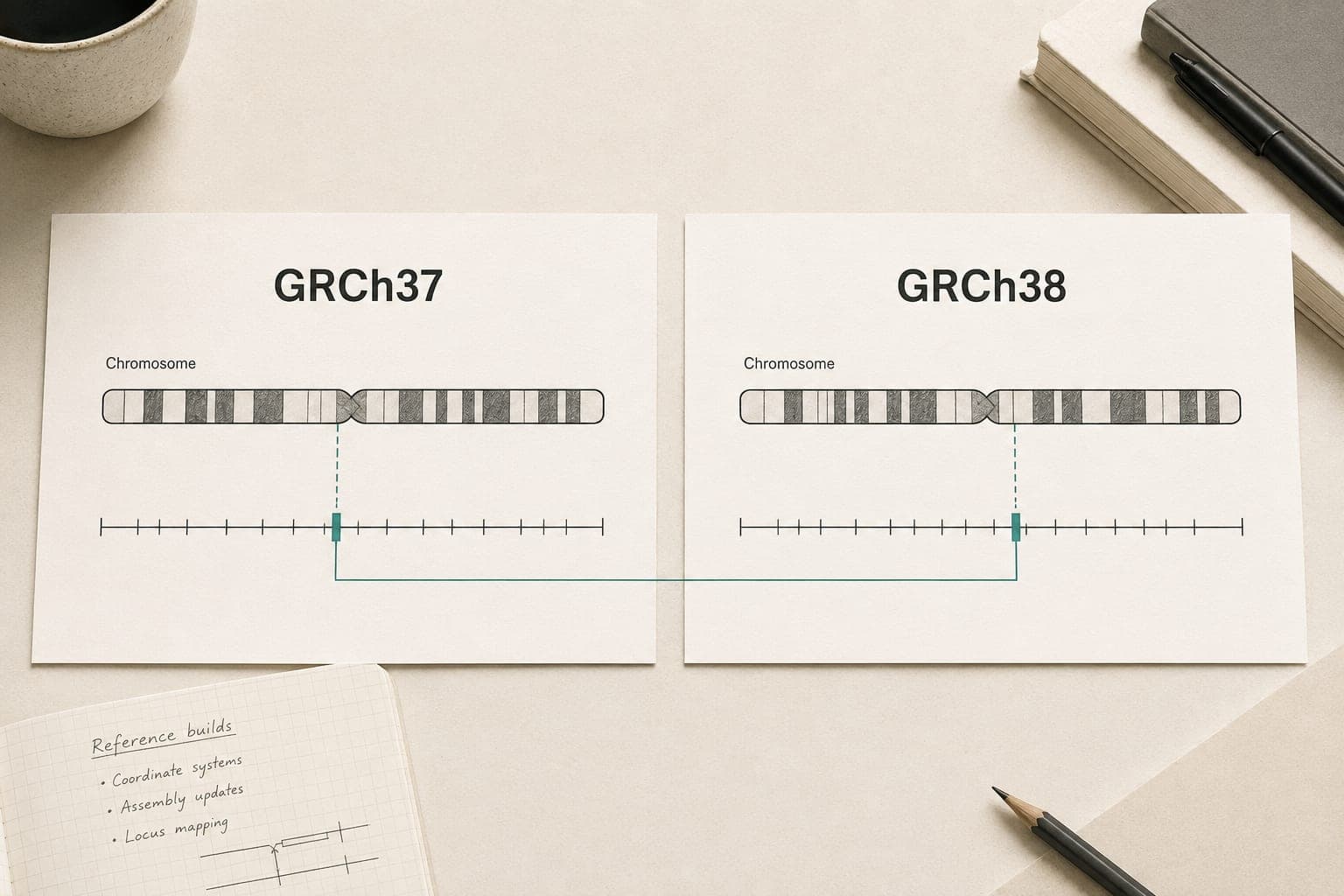
GRCh37 and GRCh38 are different versions of the human reference genome used to describe DNA locations. The same biological variant can have different chromosome coordinates in the two builds. When comparing a raw DNA file with a database, match the reference build before interpreting a position mismatch.
A build number describes the reference used to organize the data. It does not mean that your DNA has changed since you downloaded a file. For someone comparing a consumer export with a research page, the most useful question is which reference each source uses and whether the comparison preserves that context.
What changed between the two builds?
The Genome Reference Consortium maintains major reference assemblies and smaller patch releases. Its reference-genome FAQ distinguishes a major release from a patch: patches add corrected or alternative representations without changing the existing major assembly's chromosome coordinates.
GRCh38 incorporates changes to the assembled reference, including corrections and additional representations of complex regions. The Broad Institute's reference-build guide explains why tools and datasets must use compatible references. A reference mismatch can undermine a comparison even when both input files are otherwise valid.
| Question | GRCh37 | GRCh38 |
|---|---|---|
| What does the name identify? | An earlier GRC major assembly | A later GRC major assembly |
| What other label might appear? | Often hg19 in browser documentation | Often hg38 in browser documentation |
| Can I compare position numbers directly across builds? | Only after establishing matching reference context | Only after establishing matching reference context |
| Does the build tell me whether my genotype is harmful? | No | No |
Names such as hg19 and GRCh37 are useful clues, but software can distribute reference files with additional naming or sequence differences. Preserve the exact reference information rather than replacing it with a guess. For a consumer upload, compatibility with the receiving tool matters more than choosing the larger number.
Find the build before looking up a position
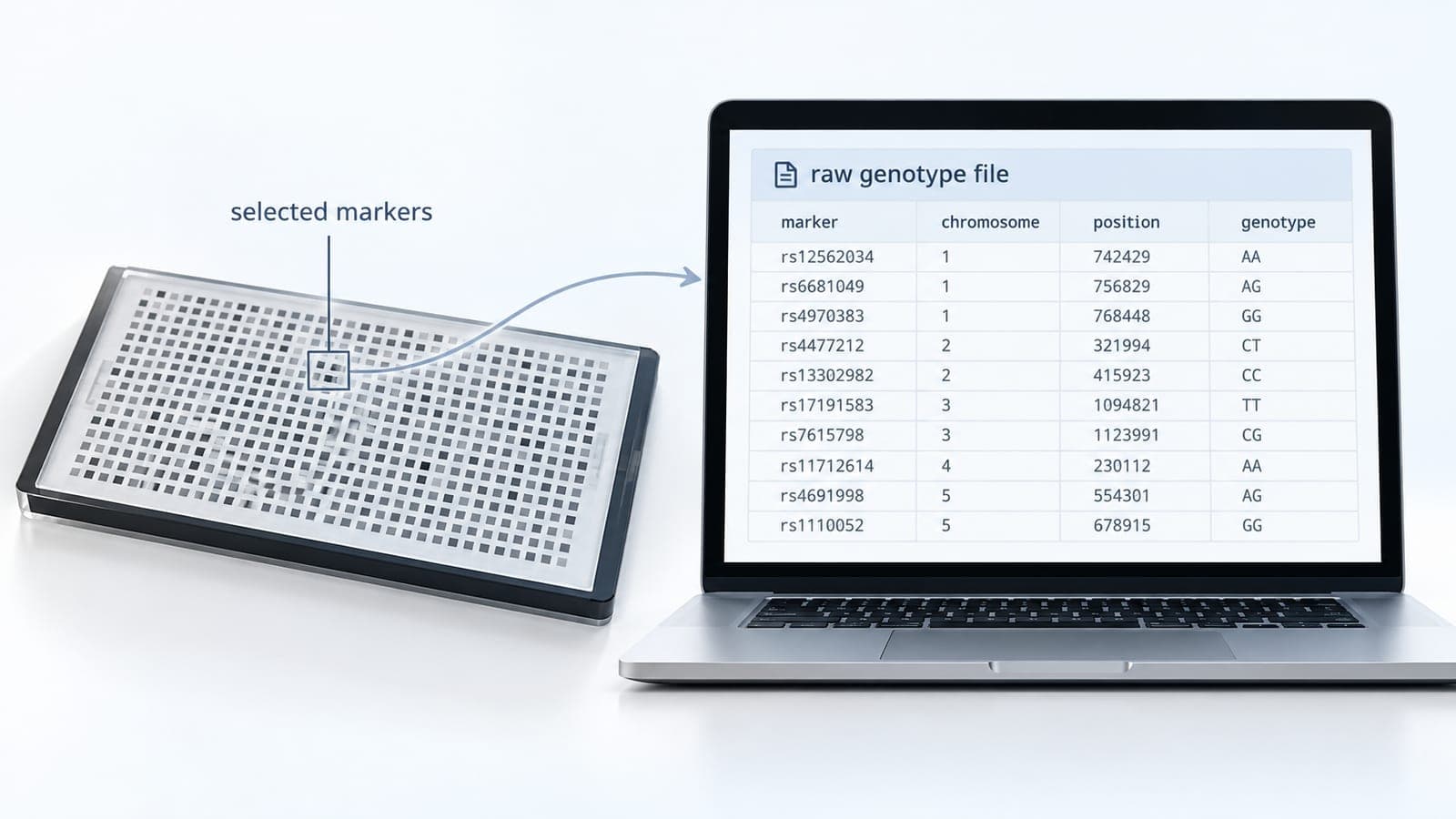
Start with the original file's header and the testing company's current documentation. The header may identify the assembly, download format or reporting convention. Keep those lines with the data when asking for help. A spreadsheet containing only four columns can lose the context that made the original file interpretable.
For a concrete provider example, 23andMe documents its reference and strand conventions. It describes its default website presentation using GRCh37 and an option to view GRCh38 in Browse Raw Data. That is a reason to check the specific view or export, rather than assume every screen and downloaded file is interchangeable.
Use a short comparison note:
- Record the provider, file date and stated reference build.
- Record the database page and the assembly selected on that page.
- Copy the marker identifier, chromosome and position together.
- Keep the reported genotype and strand convention separately.
- Stop the comparison if either source leaves its reference unclear.
Our download guide helps you retrieve the untouched provider file. Work from a copy if you need to inspect it. Do not remove a header because another website appears to accept fewer lines.
Coordinates, rsIDs and genotypes answer different questions
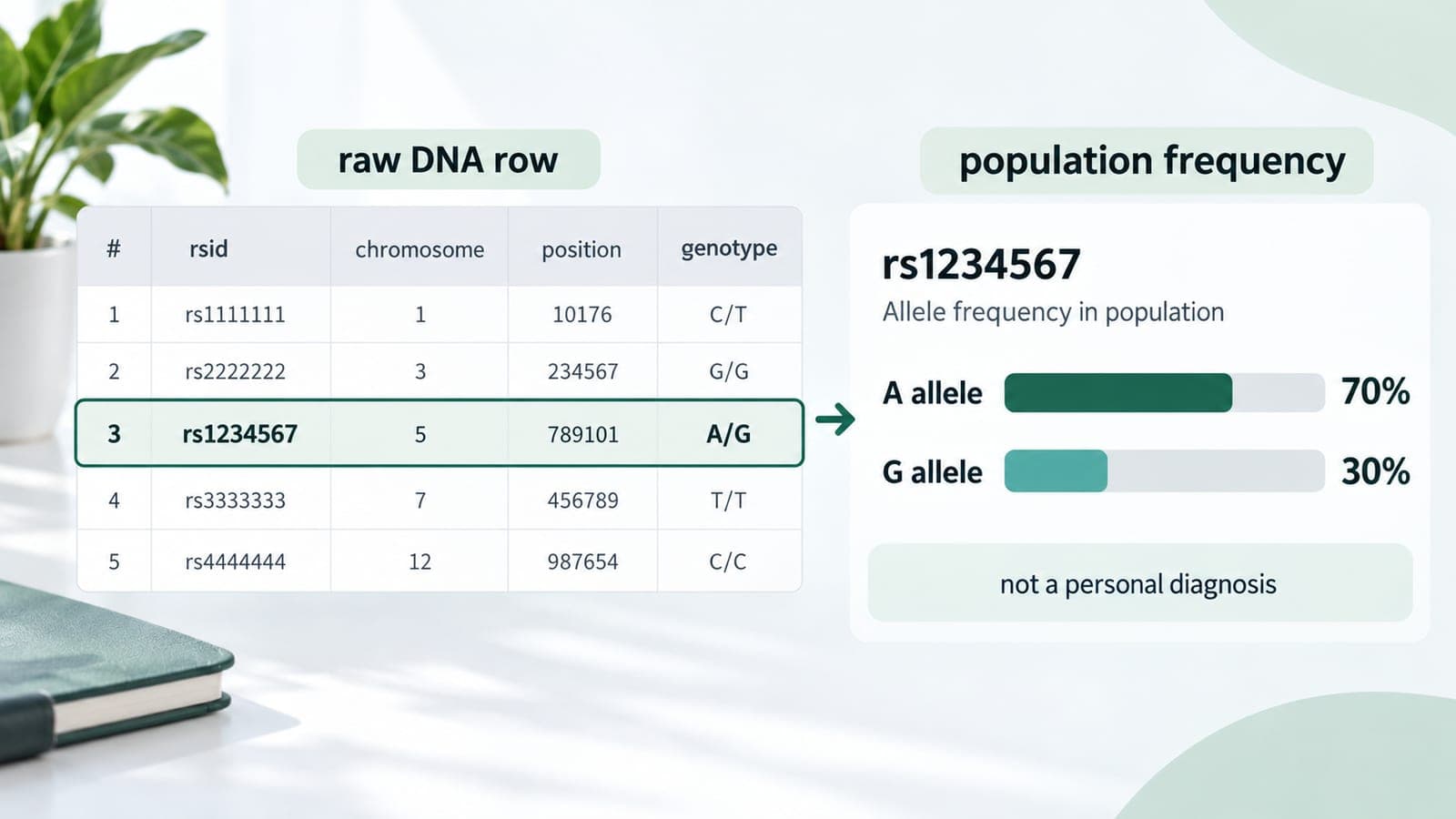
A coordinate identifies a location within a reference assembly. An rsID is a database identifier for a variant locus. A genotype records the alleles reported for a sample at a marker. These fields belong together, but none substitutes for all the others.
NCBI's RefSNP documentation describes rsIDs as identifiers used across reference assemblies. A RefSNP record can therefore help connect a named locus with its placements on different builds. Check the actual placement and alleles rather than assuming that a familiar rsID proves every detail of a comparison matches.
Imagine a deliberately fictional marker shown at position A on one build and position B on the other. If the reference mappings explain that difference, the numbers alone do not show that the person's DNA changed. Conversely, changing the build label in a text editor does not make position A become position B. The data and its description would then disagree.
Strand orientation is another separate issue. Complementary allele letters can be used to describe opposite strands. Resolving a build mismatch does not automatically resolve strand notation, and changing allele letters does not convert the coordinates to another assembly.
Should you convert an existing raw DNA file?
First ask whether conversion is necessary at all. If a service supports the provider's original export, follow its upload instructions. A manually transformed file may fall outside those instructions. Keep the original even when a specialist workflow produces a converted copy.
Coordinate-conversion tools map information between assemblies. They do not perform a new genetic test, fill in every unmeasured marker or turn a consumer array export into whole-genome sequencing. Treat conversion as a data-processing step with its own validation requirements.
Before relying on converted output, ask what happened to positions that did not map cleanly, which reference files were used and whether allele representation was checked. Do not quietly discard a conversion warning just to make a file upload. If the receiving service cannot explain its expected format, pause and ask for clarification.
A practical stopping rule for conflicting results
If two sources disagree, compare the build, exact variant description, genotype and strand before considering a biological explanation. Save enough context to reproduce the mismatch, but avoid posting your complete genetic file publicly. A focused support request can include the format and reference labels without exposing unrelated markers.
The choice of reference is a technical prerequisite for an accurate comparison. It does not establish a diagnosis or tell you to change treatment. Clinically important questions need appropriate professional evaluation, particularly when an interpretation began with an unsupported file transformation.
To see how educational explanations are presented before uploading anything, open the GenoSight sample report. Check that the service supports your original data format and understand what its explanation can and cannot establish.
Preview the educational report
Read the sample report before deciding whether GenoSight fits your needs.