snps explained
How to Download Your Raw DNA Data from 23andMe, AncestryDNA, or MyHeritage
Step-by-step links for downloading a compatible raw DNA file from 23andMe, AncestryDNA, and MyHeritage before uploading it to an educational report tool.
Sebastian Thorp · May 29, 2026 · 4 min read
In short
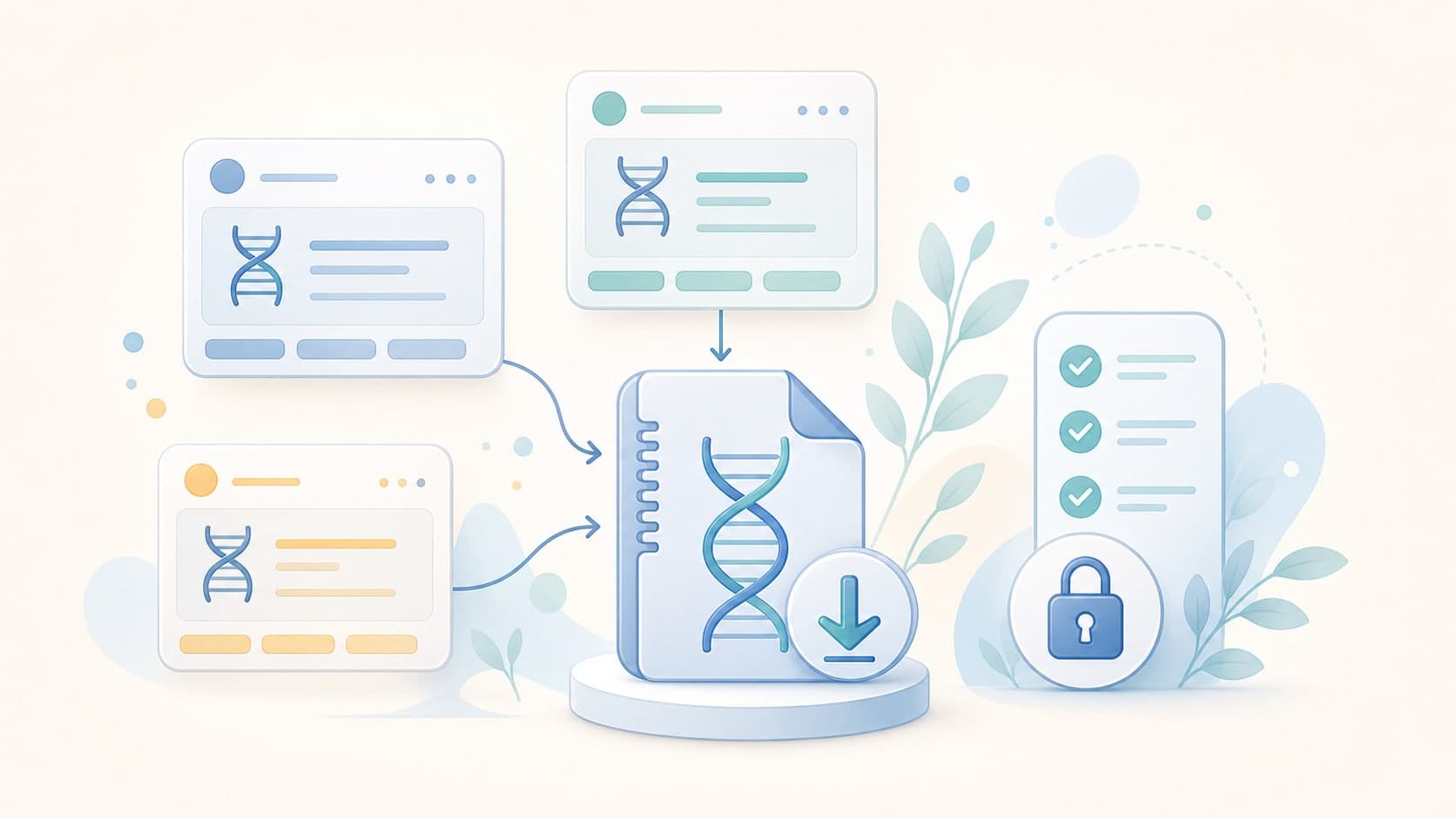
GenoSight needs the raw genotype file, not a PDF report or screenshot. 23andMe, AncestryDNA, and MyHeritage all provide downloadable raw DNA files, but each service hides the export in a different account area and usually requires email or account verification before the file is released.
If you already took a consumer DNA test, you may not need a new kit to use an independent raw DNA analysis tool. You usually need to download the raw file from the testing company first.
This guide links to the current official help pages for the three providers GenoSight accepts: 23andMe, AncestryDNA, and MyHeritage.
Before you download
Three quick checks save a lot of friction:
- Use a laptop or desktop if possible. Raw DNA downloads are usually easier outside a mobile app.
- Download the file for your own kit, or a kit you are legally allowed to manage.
- Keep the original
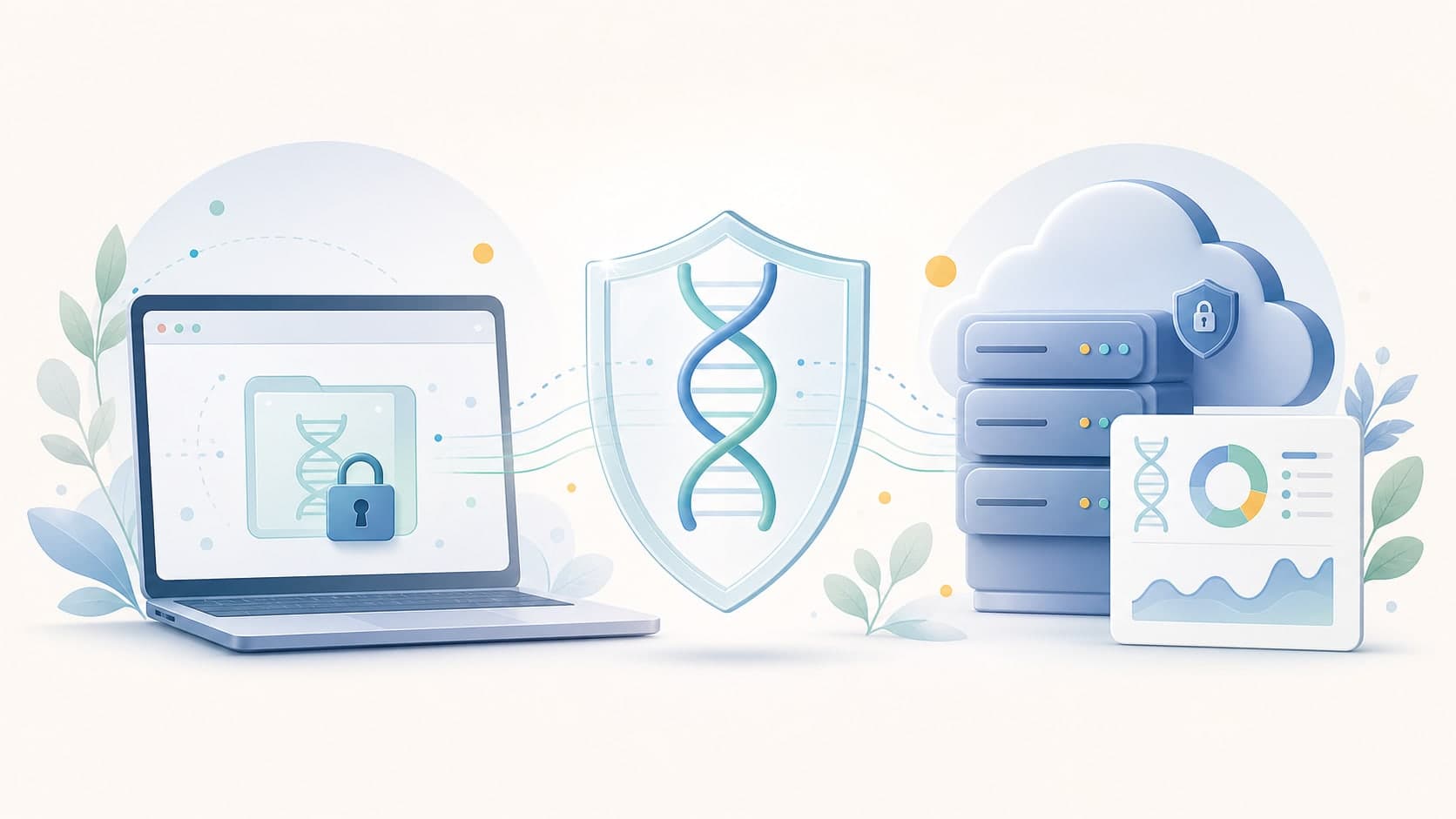
.zip,.txt, or.csvfile somewhere private. Raw DNA data is sensitive personal data.
Do not upload a file that belongs to someone else unless you have clear permission from that person.
Download raw DNA data from 23andMe
Official help page: 23andMe - Accessing Your Raw Genetic Data
The 23andMe help center says you can access raw data through the direct raw-data tool, the Resources menu, or account settings. To request a download, 23andMe asks you to confirm the profile birthdate and submit a download request. The ready file is delivered later by email.
What to expect:
- The download may take about a week, and 23andMe says it can sometimes take up to 30 days.
- The file is usually a zipped text file.
- The filename begins with
genome. - You may need to unzip the file before uploading it elsewhere.
23andMe also states that raw data is informational and not for medical, diagnostic, or other clinical use. That same boundary applies when you upload the file to GenoSight.
Download raw DNA data from AncestryDNA
Official help page: Ancestry - Downloading DNA Data
Ancestry says DNA Data can be downloaded from DNA Settings. Pick the test, scroll to the download/delete area, choose the raw DNA download option, confirm that you understand the warning, and verify your account by password or email code.
What to expect:
- Ancestry sends an email link for the DNA data download.
- The download is a text-file raw data export.
- Ancestry notes that its SNP calls are reported on the forward strand with respect to GRCh37.
- Once downloaded, the local copy is no longer protected by Ancestry's account security measures.
That last point matters. Treat the downloaded file like a permanent private record, not like an ordinary attachment.
Download raw DNA data from MyHeritage
Official help page: MyHeritage - How do I download my raw DNA data file?
MyHeritage says to open the DNA tab, go to Manage DNA kits, use the three-dot menu beside the kit, and choose Download. After the prompts, MyHeritage sends an email with the download instructions.
What to expect:
- The email download link is valid for 24 hours.
- You may need to enter your password before the final download.
- MyHeritage says raw files can be downloaded by the kit manager.
- MyHeritage says downloads work on a computer or Android device, not on iPhone or iPad.
MyHeritage also recommends checking the security measures of any platform where you intend to upload the file.
Which file should you upload to GenoSight?
Upload the raw genotype export from your testing service:
| Provider | File to use | Notes |
|---|---|---|
| 23andMe | Zipped or unzipped raw text file | Often named with genome |
| AncestryDNA | Raw DNA data text file, often zipped | Downloaded from DNA Settings |
| MyHeritage | Raw DNA data file from Manage DNA kits | Download link expires after 24 hours |
Do not upload:
- PDF health reports
- Ethnicity screenshots
- Family tree exports
- FASTQ, BAM, or whole-genome VCF files
- A file that belongs to another person without permission
If GenoSight cannot recognize the file, the upload step will explain what went wrong before analysis starts.
What happens after you upload
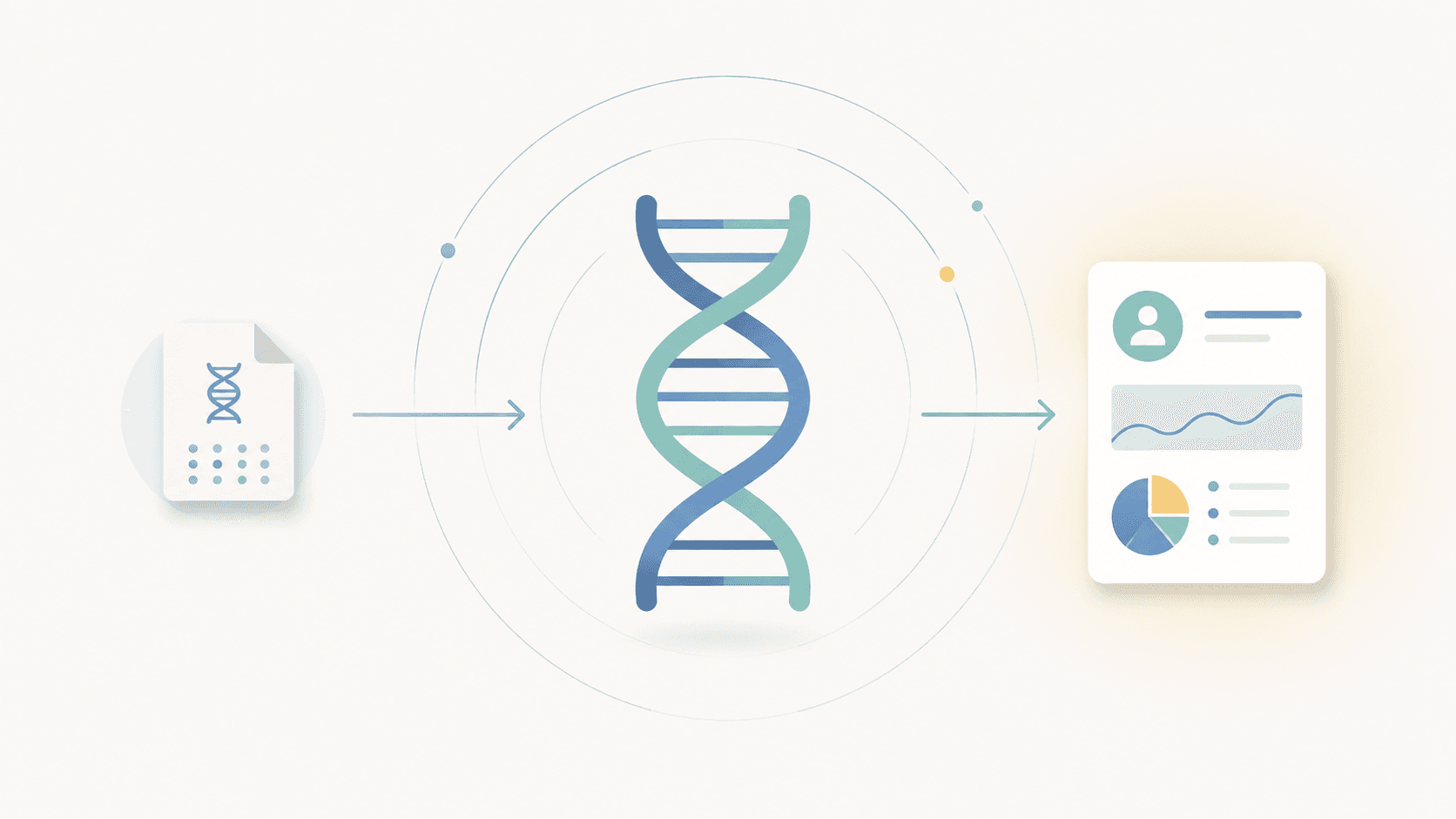
GenoSight parses the raw file, checks provider and coverage, then lets you choose educational reports. The raw genotype file is not sent to the LLM. The analysis engine extracts structured findings first, and the synthesis step uses those findings plus your profile context.
For a deeper privacy breakdown, read Browser-only vs hosted raw DNA analysis. For the product overview, see raw DNA analysis from 23andMe, AncestryDNA, and MyHeritage. If you are comparing the next step before uploading, review what to do with raw DNA data after download, the free DNA health report trial, the raw DNA health report menu, and the pricing and free credits page.
Try GenoSight with your raw DNA file
Upload a compatible 23andMe, AncestryDNA, or MyHeritage raw file. 250 signup credits, no card required.
After you download the file, you can start free or choose monthly if you already know you want more reports, PDF exports, regenerations, and findings-grounded chat.
Sources
- 23andMe - Accessing Your Raw Genetic Data - https://customercare.23andme.com/hc/en-us/articles/212196868-Accessing-Your-Raw-Genetic-Data
- Ancestry - Downloading DNA Data - https://support.ancestry.com/articles/en_US/Support_Site/Downloading-DNA-Data
- MyHeritage - How do I download my raw DNA data file from MyHeritage? - https://www.myheritage.com/help/en/articles/12851869-how-do-i-download-my-raw-dna-data-file-from-myheritage